




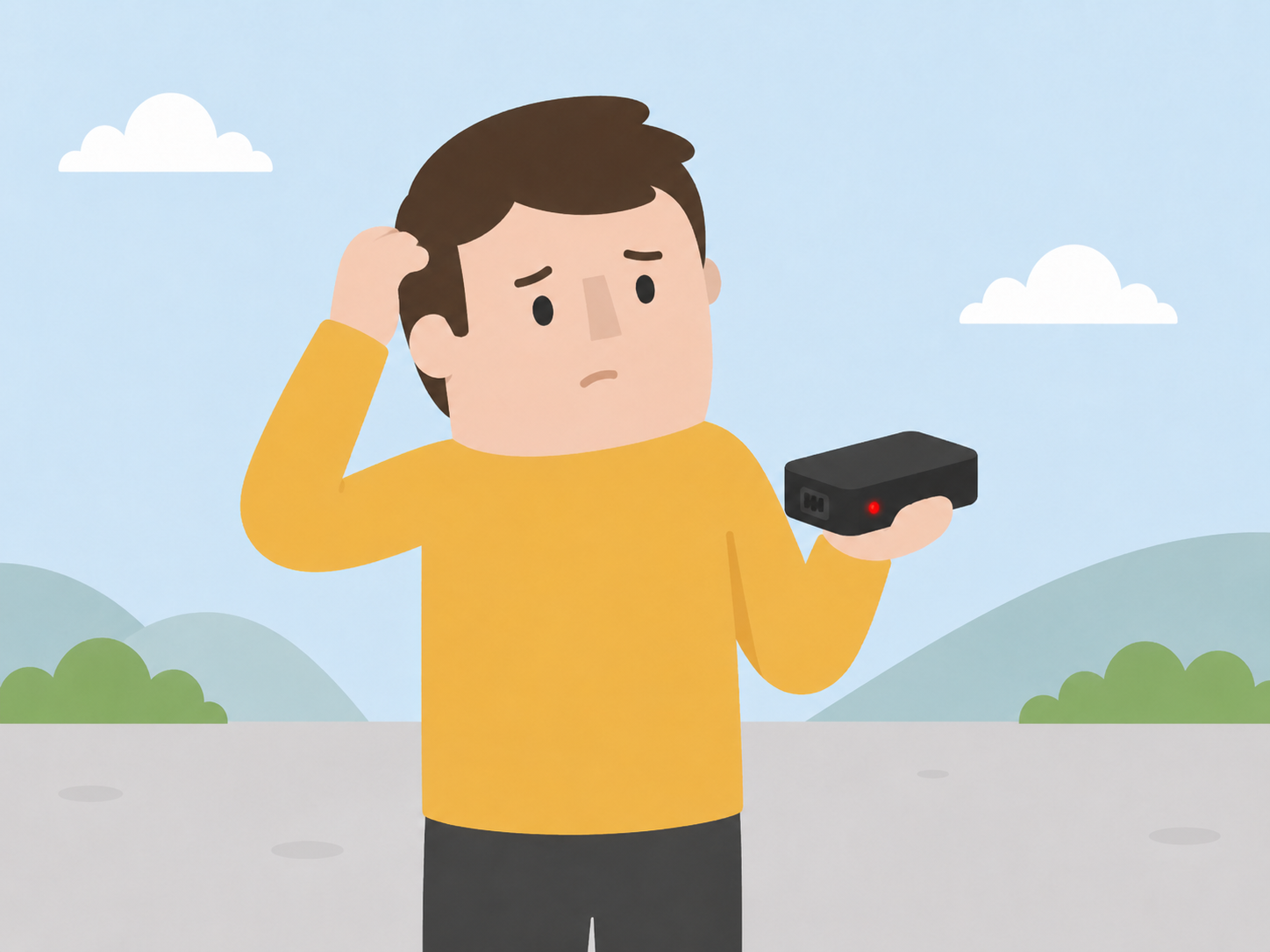
Can’t see your latest journeys in the Better Driver by Carrot app? Don’t worry – trips can take up to 24 hours to appear.
Check whether your journeys are up to date
Look at the date and time of your most recent journey in the app.
If older journeys are missing, your black box may need charging or resetting.
What to do if journeys are missing
Follow these steps:
- Fully charge your black box and complete a reset.
- Wait up to 72 hours for your journeys to appear.
- If they’re still missing after 72 hours, please contact us.
What do the lights mean?
The light on your black box can help you understand what is happening:
Constant amber/orange: Your black box is resetting or registering.

Constant green: Your black box is fully charged.
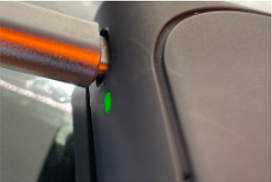
Constant red: Your black box is charging but hasn’t yet reached 100%.
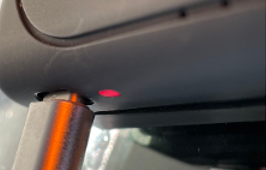
Please contact us if no lights appear, even while the device is connected to power.
Just installed your black box?
Make sure you’ve pulled out the white tab to activate it. It can take up to 72 hours after setup for your first journeys to appear in the app, so don’t worry if they aren’t visible straight away.
Still having trouble?
Please contact us if:
- No lights appear on your black box;
- Your journeys haven’t appeared after 72 hours; or
- Charging and resetting the device hasn’t resolved the issue.
We’ll help you check what’s happening and get your driving data updating again.